Your YouTube channel deserves more than just a name. It deserves an identity viewers recognise at a glance.
A professional logo for your YouTube channel makes it look credible, memorable and ready to grow. And you no longer need an expensive designer or complicated design software to create a YouTube logo: with a free AI logo generator you can go from an idea to a finished channel logo in minutes.
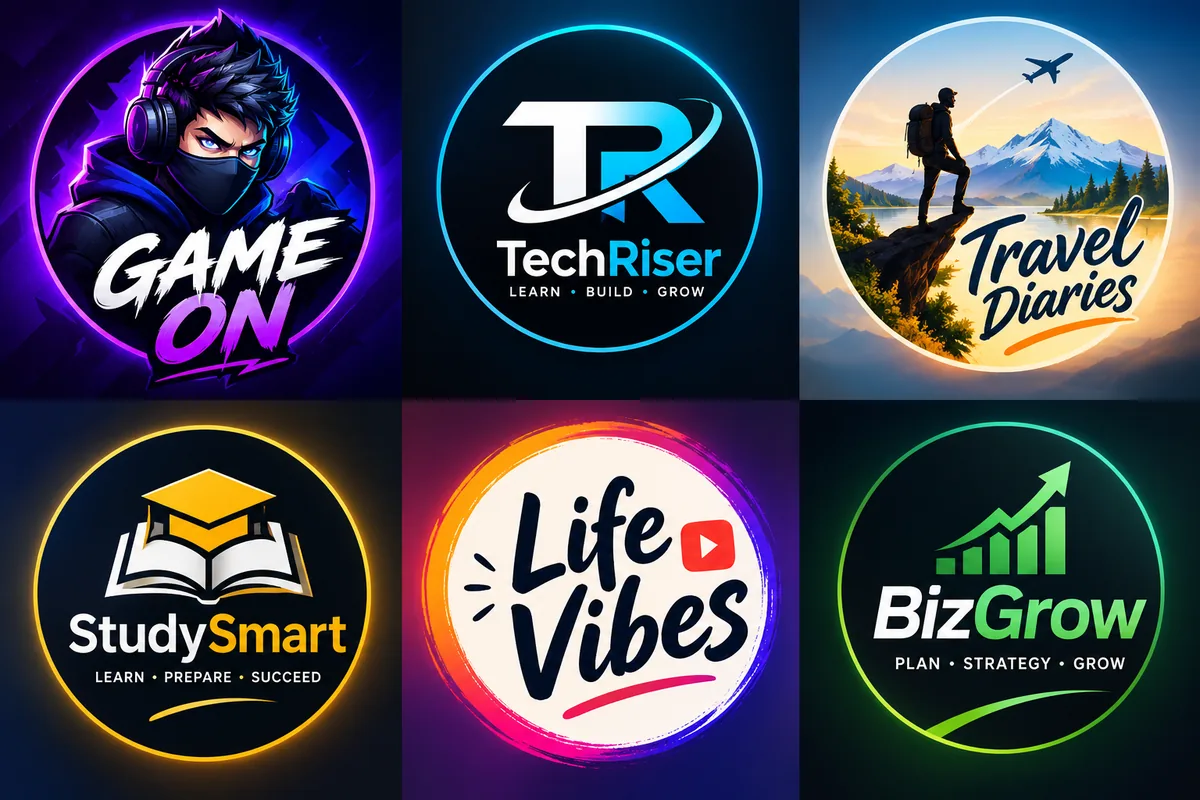
Why your YouTube channel needs a great logo
Think about the channels you recognise instantly. Their look is consistent, distinctive and easy to remember. A well-designed logo helps you:
- Build a recognisable creator brand. Viewers start to know your videos before they read the title.
- Look more professional. A clean logo tells new viewers the channel is serious.
- Stay consistent across YouTube, Instagram, TikTok and your merch.
- Stand out in a crowded niche, where every second channel uses the same stock look.
- Make a stronger first impression in search results and recommendations.
Your logo appears next to every video, every comment and every search result, so it's one of the most-seen parts of your channel.
What makes a great YouTube logo design?
1. Keep it simple
YouTube shows your channel icon as a small circle, often smaller than a fingernail on a phone. Detailed illustrations turn into a smudge at that size. The strongest channel logos are a single bold symbol or initial on a solid colour.
2. Choose the right colours
Your colours should match your channel's personality. Bold, saturated colours suit gaming and entertainment; calm or minimal colours suit business, tech and education. Pick one colour that's yours and use it in your thumbnails too, because viewers recognise channels by colour before they read the name.
3. Make it unique
Your logo should say something about your content: a controller for gaming, a chef hat for cooking, a mic for a podcast, or simply your first letter if the channel is you. Avoid copying the look of the biggest channel in your niche.
4. Design for small screens
Most viewers watch on a phone. Before you settle on a design, look at it at thumbnail size and on both light and dark backgrounds. If you can't tell what it is, simplify it.
The right YouTube logo sizes
| File | Size | Tip |
|---|---|---|
| Profile picture | 800 × 800 px | Shown as a circle as small as 98 px; keep the icon centred |
| Channel banner | 2560 × 1440 px | Only the centre 1546 × 423 px shows on every device |
| Video watermark | Square PNG, transparent | A white or black icon-only version works best |
For the full banner rules, see the YouTube banner size guide, and for every other platform, the logo size guide.
How to make your YouTube logo with AI
Instead of starting from a blank canvas, describe your channel and let AI suggest directions you can choose from. ShotKart's free YouTube logo maker is an AI logo generator built for channels:
- Type your channel name. It's set as real text, so it's always spelled right.
- Describe your channel in one line, for example "a cooking channel with quick recipes" or "a retro gaming channel".
- Pick a style and colours. Bold styles work well for gaming and entertainment, minimal ones for tech and business.
- Compare the concepts and choose the simplest one that still feels like your channel.
- Download your kit: the 800 × 800 px profile picture, a banner with your logo already inside the safe area, and white and black versions for watermarks and end screens.
YouTube logo ideas by niche
- Gaming: a futuristic emblem or mascot. See the gaming logo maker for esports styles.
- Tech: a minimal letter mark in one bright colour.
- Sports: a bold badge or shield.
- Business and finance: a clean wordmark or a simple growth symbol.
- Cooking: a chef hat, spoon or pan icon on a warm colour.
- Education: a book, cap or lightbulb on a calm colour.
- Entertainment and vlogs: a friendly mascot or a bold first letter.
For 30 more concepts across 10 niches, see our YouTube logo ideas.
From one logo to a consistent channel brand
A logo is only the beginning. Once you have it, use the same colour and font in your banner, thumbnails, end screens and social profiles. Building everything around one visual identity makes your content feel connected and professional, and makes your channel easier to remember.
Start with an idea, create your identity, and build a channel people recognise. Try the free YouTube channel logo maker, or read how to make a logo for free for the general process.