Amazon product photos from your phone
Get a clean white-background main image plus lifestyle and detail shots for the rest of your Amazon listing, all from one phone photo.
Try it free, no signup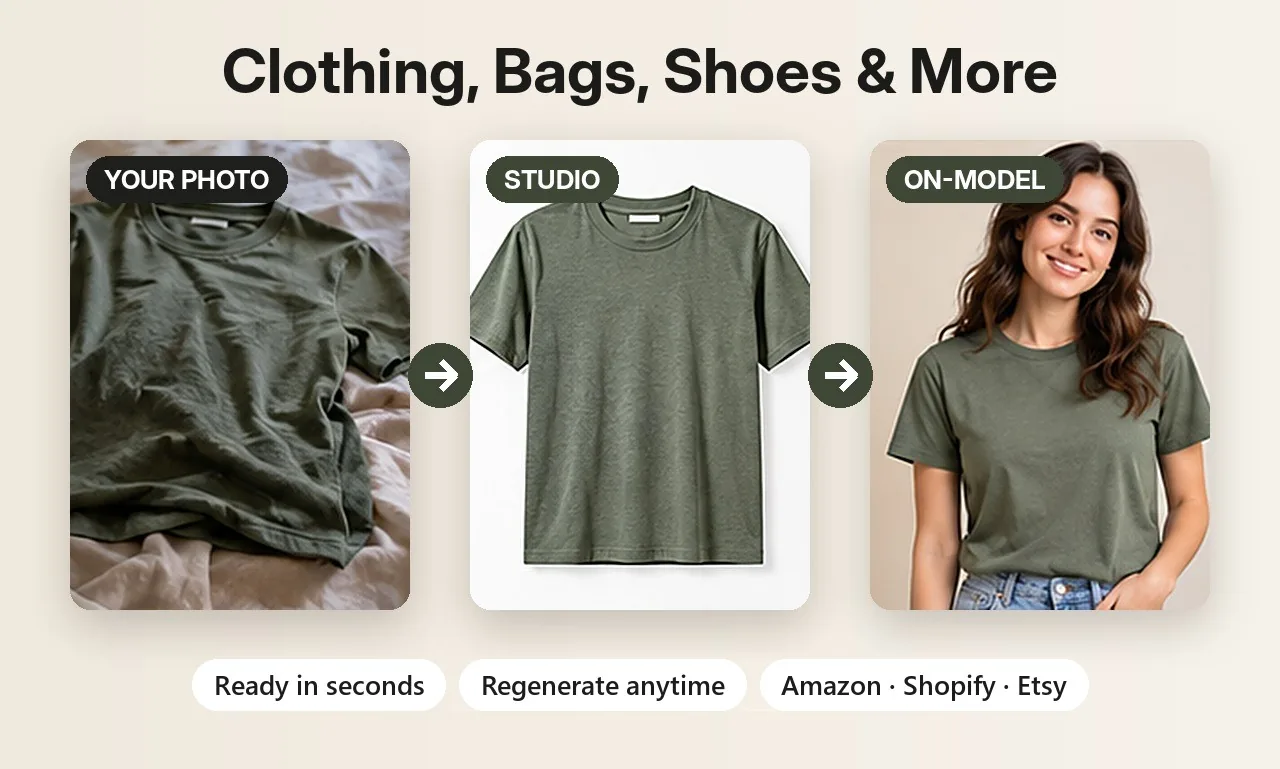
Short answer: use Background Swap to put your product on a pure white background for the main image, so the product itself stays unchanged. Then add lifestyle, close-up and on-model images to the rest of the gallery, where Amazon allows real settings.
Amazon's main image rules, in short
Amazon is strict about the main (first) image of a listing. Its guidelines ask for a pure white background, the product filling most of the frame, and no extra text, logos, watermarks or props. Images large enough to zoom (Amazon asks for at least 1000 pixels on the longest side for zoom) help shoppers inspect the product. Always check Amazon's current image requirements for your category, since they can change.
Two ways to make the main image
- Background Swap cuts your product out and places it on pure white without redrawing it, so the product stays exactly as photographed. Best for the main image.
- Clean white studio scene generates a polished studio shot with soft shadows. Check the result carefully, since AI redraws the scene.
Main image vs additional images on Amazon
| Main image | Additional images | |
|---|---|---|
| Background | Pure white | Any: lifestyle, studio, outdoor |
| Props and text | Not allowed | Allowed in moderation |
| Best ShotKart tool | Background Swap | Product Photos scenes and on-model shots |
| Goal | Win the click in search | Answer questions and build trust |
Fill the rest of your gallery
Amazon lets you add several more images after the main one, and they don't need a white background. Use them to sell:
- Lifestyle images showing the product in use or in a real setting.
- Close-ups of materials, stitching, zips or labels.
- On-model shots for clothing, shoes and jewelry.
- Colour variants for listings with several colours.
Image size
ShotKart creates HD images: 1024 × 1024 squares, or 1024 × 1280 portraits from Product Photos. That meets Amazon's 1000-pixel zoom threshold on the longest side.
New to AI product images? Our complete guide to AI product photography explains which shots every listing needs and how to keep them accurate.
Before and after
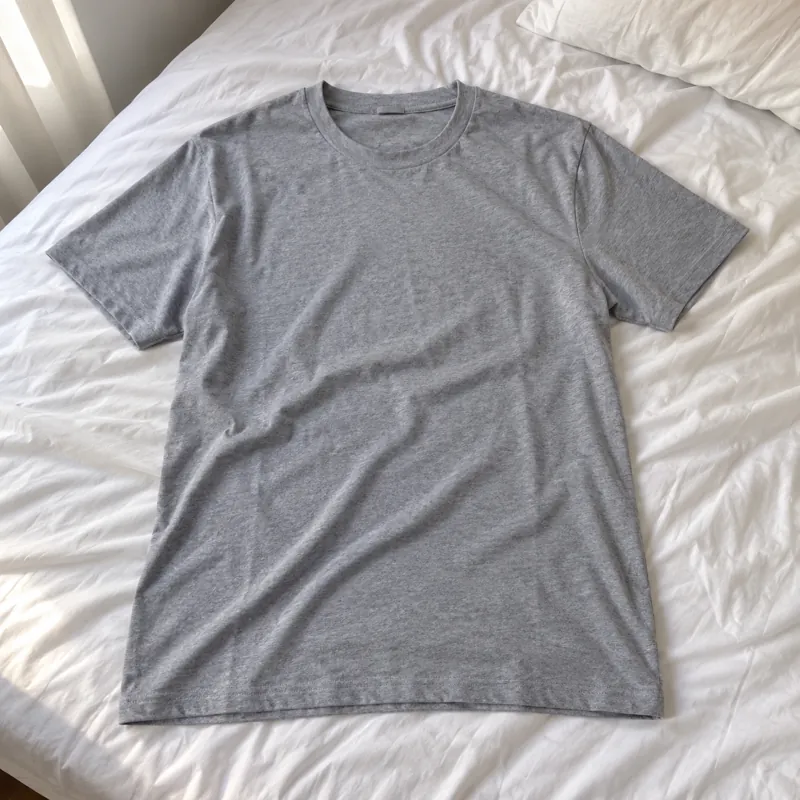
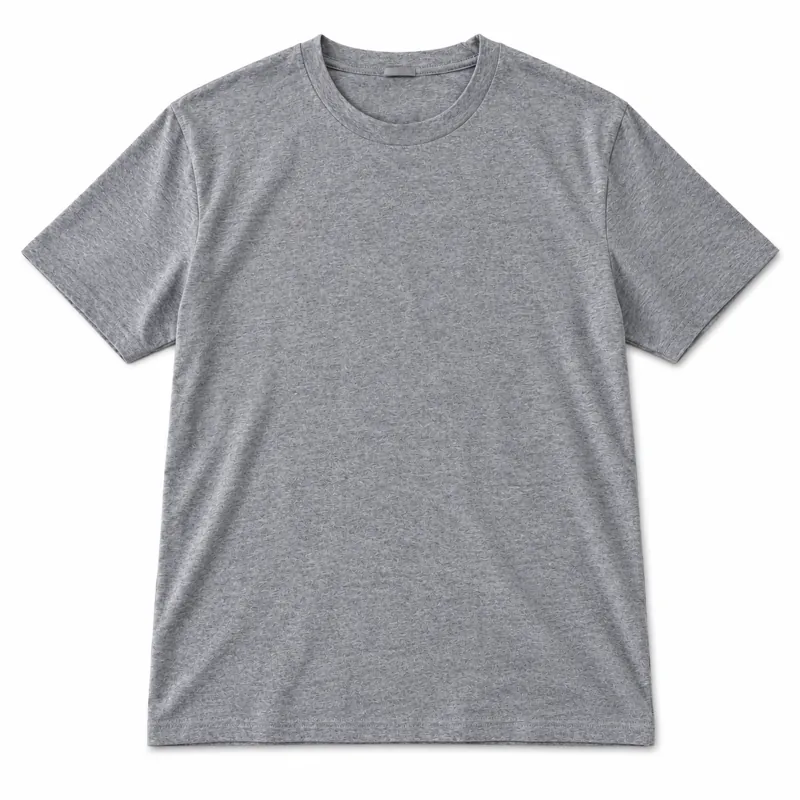
Each pair shows an everyday phone photo and the kind of product photo you can make from it.
Selling jewelry? See AI jewelry product photos for on-model and white background shots of rings, earrings and necklaces. Related guides: white background product photos and Shopify product photos.
Try it on your own product
Upload one phone photo and get HD product photos in seconds. Try it without an account, then sign up free for 3 HD photos every day.
Try it freeQuestions
Is a white background required on Amazon?
For the main image, Amazon's guidelines require a pure white background. Additional images can use lifestyle scenes.
Will Background Swap change my product?
No. It cuts the product out and pastes it back unchanged onto the new background, adding only a soft shadow.
Can I make several angles from one photo?
ShotKart generates different scenes and styles from one photo. For truly different physical angles, upload a photo from each angle.
What size are the images for Amazon?
Square images are 1024 × 1024 pixels and portrait images are 1024 × 1280, which meets Amazon's 1000-pixel minimum for zoom on the longest side.